Adding Text to PDF Documents: A Step-by-Step Guide
Quick answer: You can add text to a PDF document using our free online Edit PDF tool, which allows you to edit PDFs in your browser without any limitations or sign-up requirements.
Introduction to Adding Text to PDFs
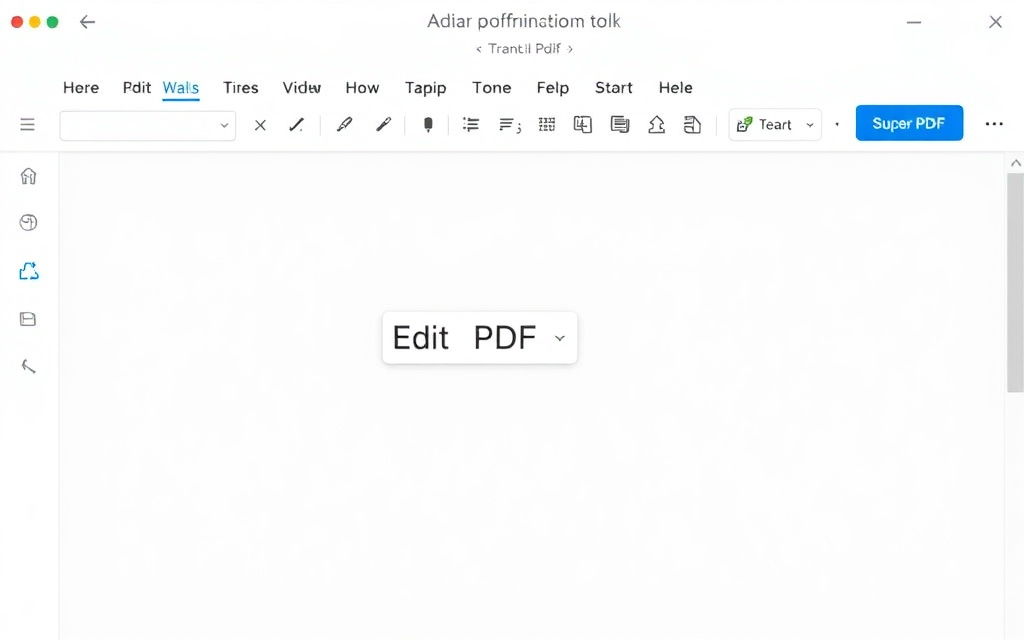
Adding text to a PDF document can be a challenging task, especially if you don't have the right tools. However, with our free online Edit PDF tool, you can easily add text, images, signatures, and annotations to your PDF documents in your browser.
Our Edit PDF tool is a free alternative to paid software like Sejda, Adobe Acrobat, and Nitro, and it offers unlimited pages, no time limit, and no sign-up requirements.
Step-by-Step Guide to Adding Text to PDFs
Go to our Edit PDF tool and upload your PDF document.
Click on the 'Text' button and select the font, size, and color of your text.
Click on the page where you want to add the text and start typing.
You can also use our Remove Watermark tool to erase stamped watermarks from your PDF document.
Converting PDFs to Other Formats
If you need to convert your PDF document to another format, such as Word or Excel, you can use our PDF to Word or Excel to PDF tools.
We also offer a Word to PDF tool, which allows you to turn Word documents into polished PDFs.
Merging and Splitting PDFs
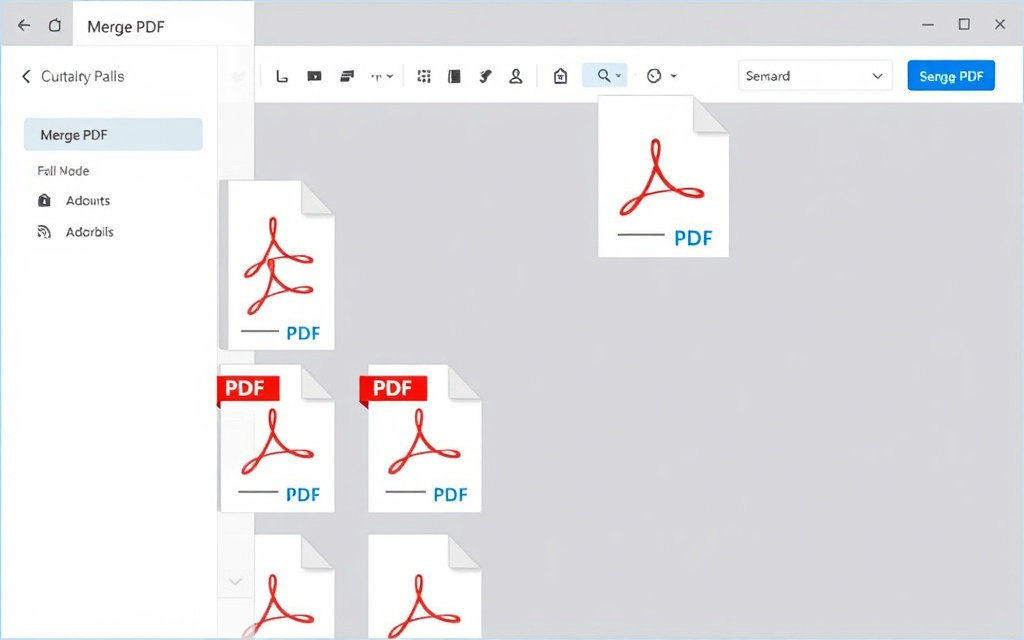
If you need to combine multiple PDF documents into one, you can use our Merge PDF tool.
On the other hand, if you need to extract pages or split a PDF into separate files, you can use our Split PDF tool.
We also offer a Compress PDF tool, which allows you to shrink PDF file size while keeping quality, and a Rotate PDF tool, which allows you to rotate PDF pages 90°, 180°, or 270°.
Converting PDFs to Images
If you need to convert your PDF document to an image format, such as JPG, you can use our PDF to JPG tool.
This tool allows you to convert each PDF page into a JPG image, which can be useful for sharing or posting online.
Frequently asked questions
Can I add text to a PDF document for free?
Yes, you can add text to a PDF document for free using our Edit PDF tool.
Do I need to sign up to use the Edit PDF tool?
No, you don't need to sign up to use the Edit PDF tool.
Can I add images and signatures to a PDF document?
Yes, you can add images and signatures to a PDF document using our Edit PDF tool.
Can I convert PDFs to other formats, such as Word or Excel?
Yes, you can convert PDFs to other formats, such as Word or Excel, using our PDF to Word or Excel to PDF tools.
Can I merge and split PDF documents?
Yes, you can merge and split PDF documents using our Merge PDF and Split PDF tools.
Can I compress and rotate PDF documents?
Yes, you can compress and rotate PDF documents using our Compress PDF and Rotate PDF tools.