How to Convert PDF to Word Document Online for Free
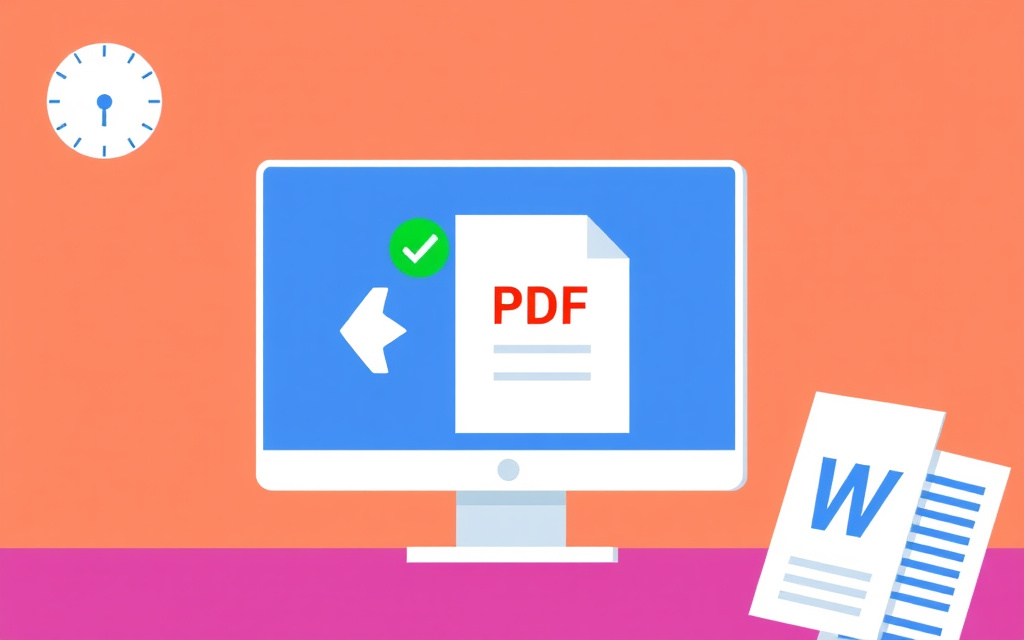
Quick answer: To convert a PDF to a Word document online for free, use a reliable PDF to Word converter like PDF to Word, which keeps the original text, tables, and layout intact. This process typically takes a few minutes and doesn't require any email or sign-up.
Introduction to PDF Conversion
Converting PDF files to editable Word documents is a common requirement for various purposes, including editing, updating, and sharing documents. The traditional method involves using Adobe Acrobat, which can be expensive and cumbersome. However, with the advent of online PDF tools, it's now possible to convert PDF to Word for free, without compromising on quality or security.
These online tools use advanced algorithms to preserve the original formatting, including text, tables, and images, ensuring that the output Word document is identical to the input PDF.
Benefits of Using Online PDF Converters
Online PDF converters offer several benefits, including convenience, speed, and cost-effectiveness. They eliminate the need to install software or purchase licenses, making it an ideal solution for individuals and businesses alike. Additionally, these tools often provide a range of features, such as Word to PDF conversion, Excel to PDF conversion, and PDF to JPG conversion, making them a versatile solution for all your document conversion needs.
When choosing an online PDF converter, look for one that offers high-quality output, fast processing times, and robust security features, such as automatic file deletion and encryption.
How to Convert PDF to Word Online
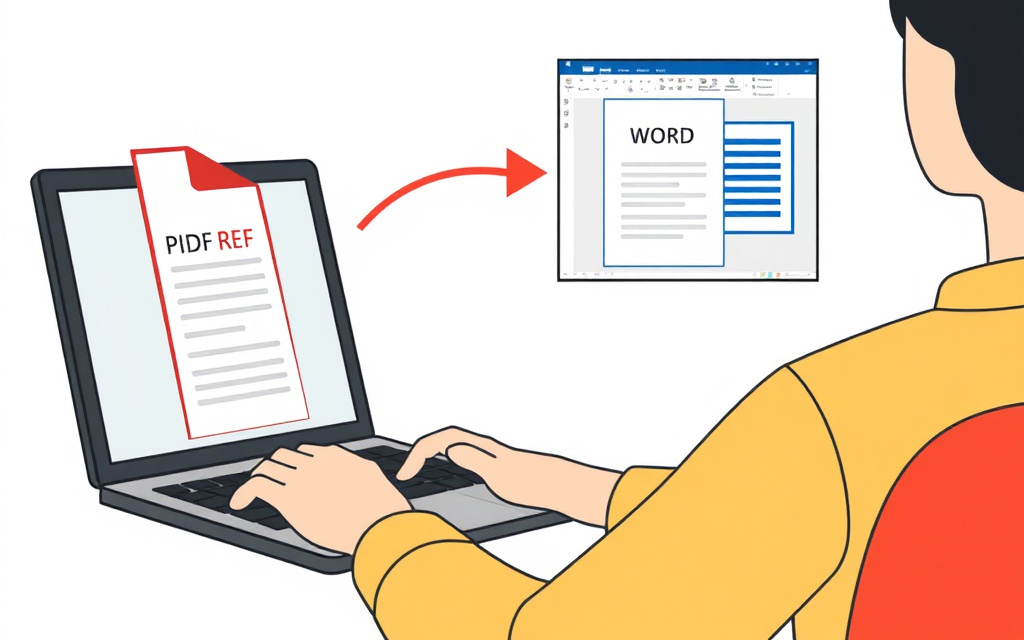
To convert a PDF to Word online, follow these simple steps: upload your PDF file to the PDF to Word converter, select the output format (in this case, .docx), and click the 'Convert' button. The tool will then process the file and provide a downloadable link to the converted Word document.
Some online PDF converters also offer additional features, such as PDF editing and OCR (Optical Character Recognition), which can be useful for extracting text from scanned documents or images.
Advanced PDF Conversion Features
In addition to converting PDF to Word, some online tools also offer advanced features, such as JPG to PDF conversion, PNG to PDF conversion, and HTML to PDF conversion. These features can be useful for creating professional-looking documents, such as reports, presentations, and brochures.
When using these advanced features, make sure to choose a tool that offers high-quality output, fast processing times, and robust security features, such as automatic file deletion and encryption.
Conclusion and Recommendations
In conclusion, converting PDF to Word online is a convenient and cost-effective solution for individuals and businesses alike. By using a reliable online PDF converter, such as PDF to Word, you can preserve the original formatting and layout of your documents, while also enjoying fast processing times and robust security features.
Remember to always choose a tool that offers high-quality output, fast processing times, and robust security features, such as automatic file deletion and encryption, to ensure the security and integrity of your documents.
Frequently asked questions
What is the best way to convert PDF to Word?
The best way to convert PDF to Word is to use a reliable online PDF converter that preserves the original formatting and layout of the document.
Is it safe to convert PDF to Word online?
Yes, it is safe to convert PDF to Word online, as long as you choose a tool that offers robust security features, such as automatic file deletion and encryption.
Can I convert PDF to Word for free?
Yes, you can convert PDF to Word for free using online PDF converters, such as PDF to Word, which offer free conversion services without compromising on quality or security.
What are the benefits of using online PDF converters?
The benefits of using online PDF converters include convenience, speed, and cost-effectiveness, as well as the ability to preserve the original formatting and layout of the document.
Can I edit PDF files online?
Yes, you can edit PDF files online using tools, such as PDF editing software, which offer a range of features, including text editing, image editing, and annotation.
What is OCR and how does it work?
OCR (Optical Character Recognition) is a technology that extracts text from scanned documents or images, and it works by using advanced algorithms to recognize and convert the text into editable format.