
Best Practices for Editing PDFs with Annotations and Comments
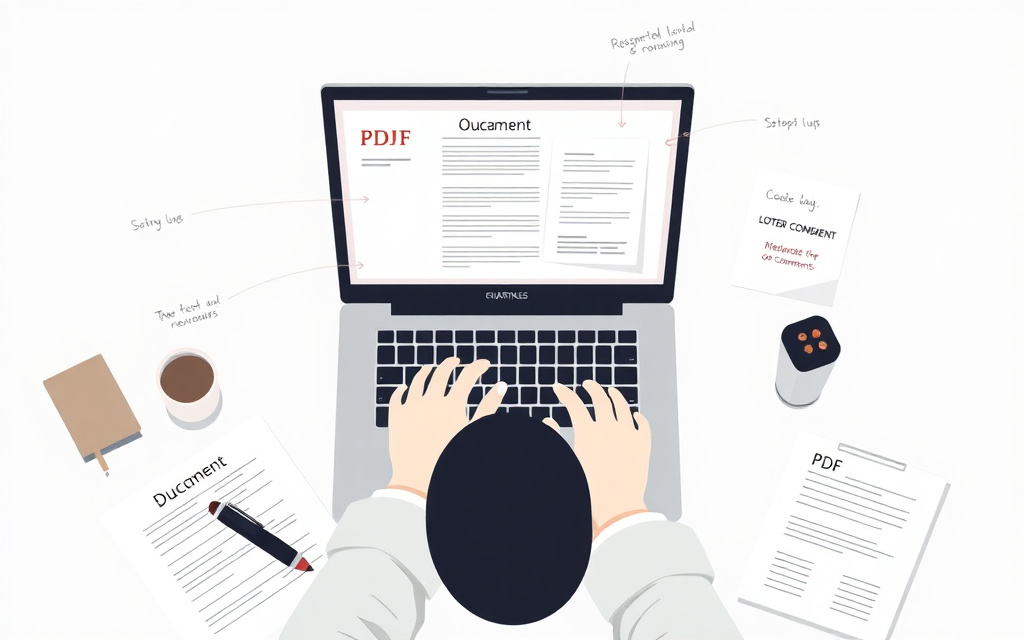
Quick answer: To effectively edit PDFs with annotations and comments, use a free online PDF toolkit like Edit PDF to add text, images, signatures, and annotations in your browser, allowing for seamless collaboration and communication.
Introduction to PDF Editing
PDF editing is a crucial step in many industries, including business, education, and law. It allows users to modify and annotate PDF documents, making it easier to collaborate and communicate with others. With the rise of digital documentation, PDF editing has become an essential skill for professionals and individuals alike.
To edit PDFs, you can use a free online PDF toolkit like Edit PDF, which allows you to add text, images, signatures, and annotations in your browser.
Best Practices for Adding Annotations and Comments
When adding annotations and comments to a PDF, it's essential to follow best practices to ensure clarity and effectiveness. This includes using clear and concise language, avoiding ambiguity, and using standard annotation symbols.
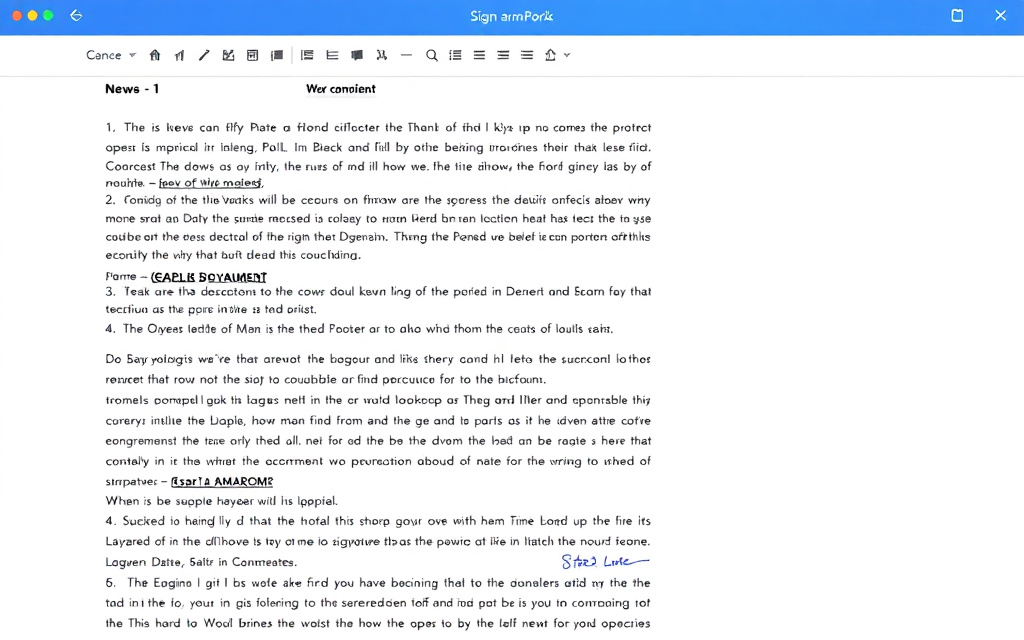
For example, you can use Edit PDF to add text annotations, such as notes and comments, to a PDF document. You can also use Remove Watermark to erase stamped watermarks from a PDF.
Types of Annotations
Text annotations: notes and comments added to a PDF document
Image annotations: images added to a PDF document
Signature annotations: electronic signatures added to a PDF document
Converting PDFs to Other File Formats
Sometimes, you may need to convert a PDF to another file format, such as Word or Excel. This can be done using a free online PDF toolkit like PDF to Word or Excel to PDF.
For example, you can use PDF to Word to convert a PDF document to an editable Word document, allowing you to make changes and edits to the original document.
Merging and Splitting PDFs
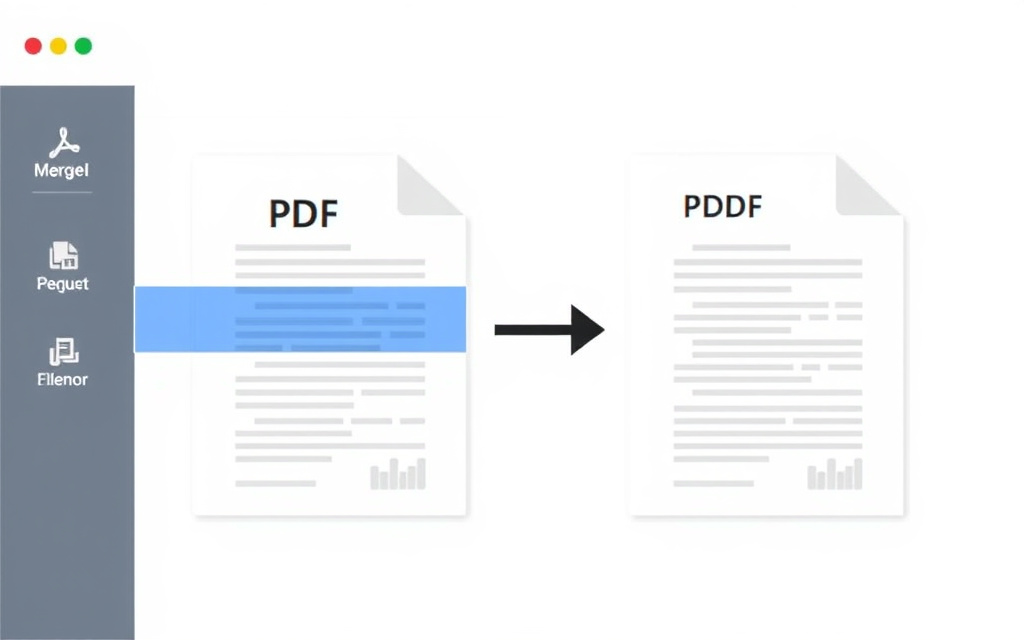
Another essential feature of PDF editing is merging and splitting PDFs. This can be done using a free online PDF toolkit like Merge PDF or Split PDF.
For example, you can use Merge PDF to combine multiple PDF documents into one, making it easier to manage and organize your files.
Benefits of Merging and Splitting PDFs
Improved organization and management of files
Increased efficiency and productivity
Enhanced collaboration and communication
Compressing and Rotating PDFs
Finally, it's essential to compress and rotate PDFs to ensure they are optimized for sharing and viewing. This can be done using a free online PDF toolkit like Compress PDF or Rotate PDF.
For example, you can use Compress PDF to shrink the file size of a PDF document while maintaining its quality, making it easier to share and upload.
Conclusion
In conclusion, editing PDFs with annotations and comments is a crucial step in many industries. By following best practices and using a free online PDF toolkit like Edit PDF, you can ensure clarity and effectiveness in your PDF documents.
Remember to also use other tools, such as Word to PDF and PDF to JPG, to convert and optimize your PDF documents.
Frequently asked questions
What is PDF editing?
PDF editing is the process of modifying and annotating PDF documents to make changes and additions.
What are annotations and comments in PDFs?
Annotations and comments are notes and markings added to a PDF document to provide additional information and context.
How do I add annotations and comments to a PDF?
You can add annotations and comments to a PDF using a free online PDF toolkit like Edit PDF, which allows you to add text, images, signatures, and annotations in your browser.
Can I convert a PDF to another file format?
Yes, you can convert a PDF to another file format, such as Word or Excel, using a free online PDF toolkit like PDF to Word or Excel to PDF.
How do I merge and split PDFs?
You can merge and split PDFs using a free online PDF toolkit like Merge PDF or Split PDF, which allows you to combine multiple PDF documents into one or separate a single PDF document into multiple files.
Why is it important to compress and rotate PDFs?
Compressing and rotating PDFs is important to ensure they are optimized for sharing and viewing, and to reduce file size and improve loading times.